jtree runs oTree apps and projects as they are: their Python, their templates and their bots. Nothing needs installing: the Python runs inside jtree. jtree can also edit them as oTree Studio does, and convert them to jtree apps.
Running oTree apps
Put an oTree project (a folder with its settings.py) or an oTree app in client/apps, then use File → Reload apps in the admin. jtree runs apps in oTree's current format (__init__.py) and in its older one (models.py, pages.py and Django templates).
- A project's session configs (
SESSION_CONFIGS) are queues, listed as<project>/settings.py#<name>: a session made from one has its apps, its config (withSESSION_CONFIG_DEFAULTS), participation fee and exchange rate. - A project's rooms (
ROOMS) are jtree rooms, with the labels from theirparticipant_label_file. - Rounds are periods, and
PLAYERS_PER_GROUPis the group size. Pages are shown from their templates, with their forms checked by the server as oTree checks them; wait pages wait for the group or all groups. Live pages, chat, timeouts and their countdown,ExtraModel, admin reports, static files andapp_after_this_pagework as in oTree. - Packages an app imports, such as
pandas,scipyoropenpyxl, are loaded before its session starts (those jtree does not have yet are fetched, which needs an internet connection).
Python starts when the first oTree app is loaded, which takes a moment; until then the app says it is starting.
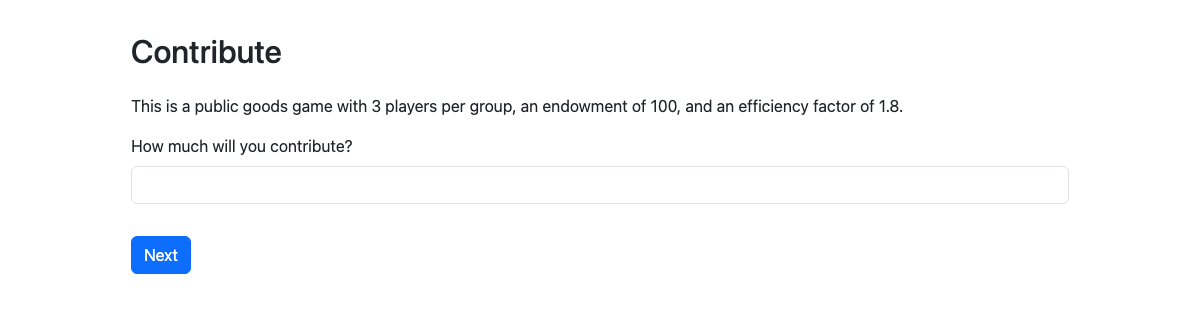
To test a session alone, "Play with bots" plays it to its end with the apps' bots (tests.py), or, for an app without bots, a generic bot that fills in what each page asks.
A session's data downloads as jtree's CSV and as oTree's: "all apps, wide", each app's CSV, page times, and the apps' custom_exports. jtree has been checked against oTree 5.11.5, 3.4.0 and 2.5.8: oTree's sample games and published experiments record the same data in both. Templates are strict, as oTree's are: a name a template cannot find is an error.
The oTree admin
/admin/otree/ is an admin laid out after oTree's:
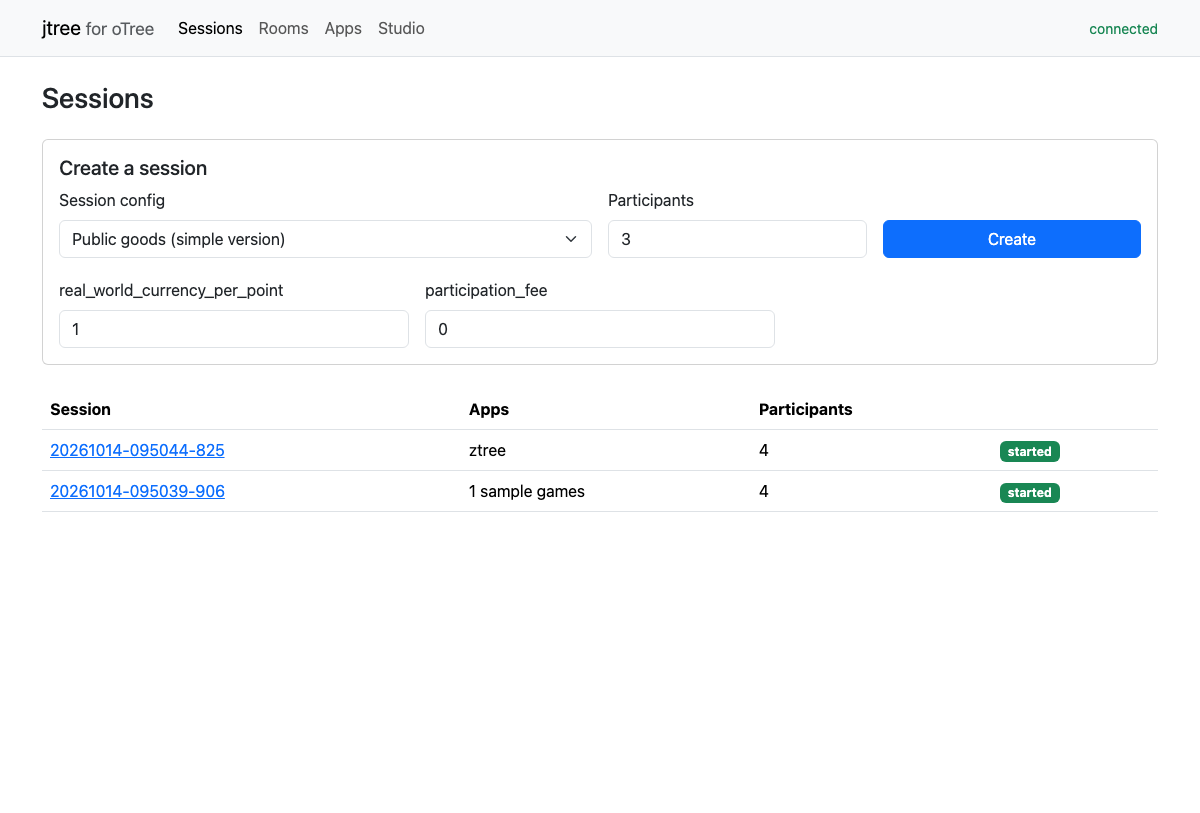
- Sessions: create a session from a project's session config, with its number of participants and config values; the sessions.
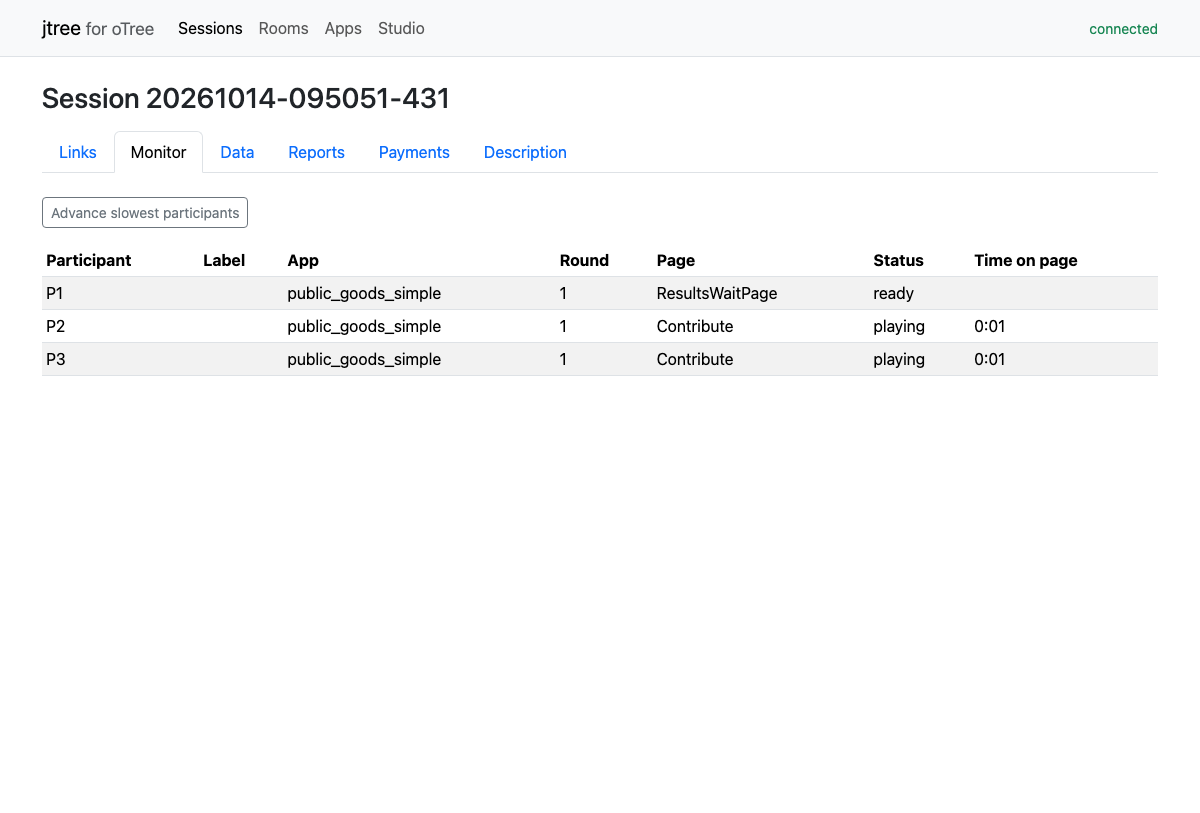
- Session: its links, monitor (where each participant is, time on page, advance the slowest), data, admin reports, payments and description, as oTree's session pages have them.
- Rooms: the rooms, their labels, who is waiting, and opening a session in one.
- Apps: the oTree apps, each with Convert to jtree (below).
- Studio: oTree projects and apps, edited as in oTree Studio (below).
Studio
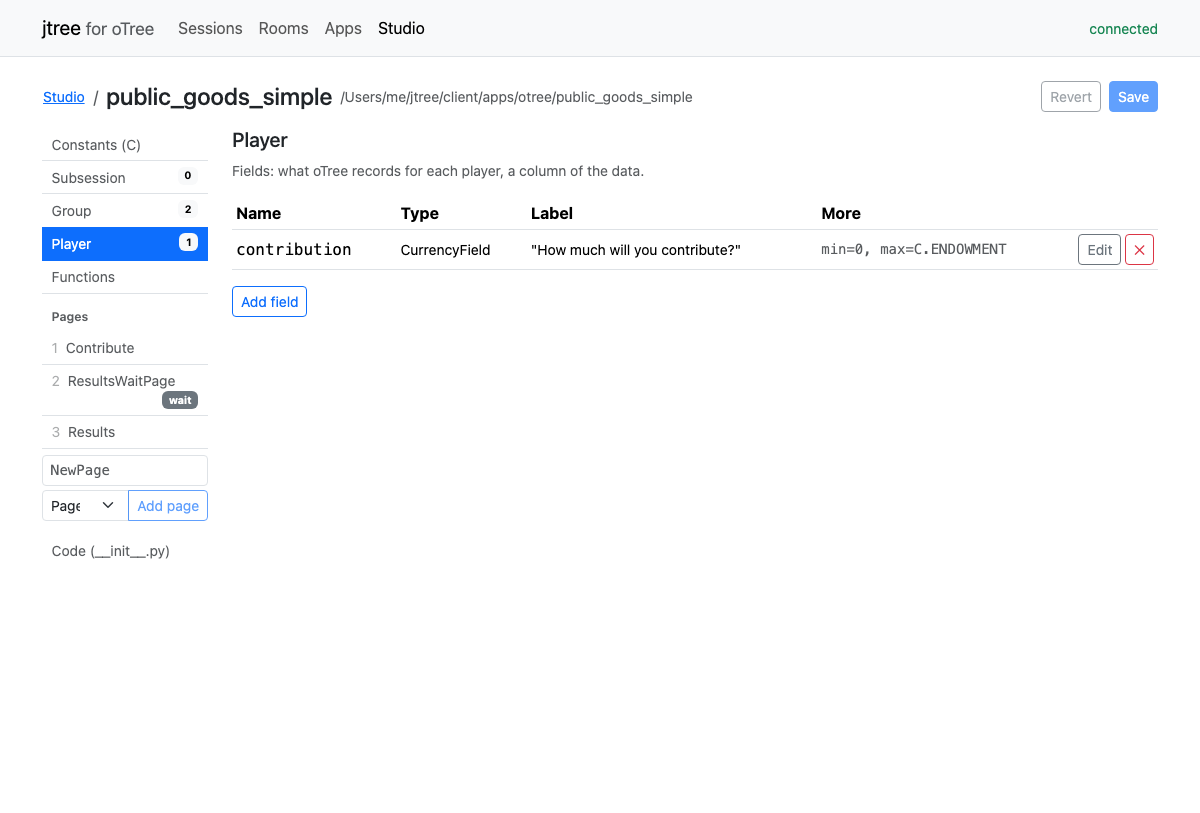
The Studio lists the oTree projects and apps in the apps folder, and makes new ones as oTree Studio starts them.
- A project: its apps, and New app; its session configs (name, display name, apps in order, demo participants, doc, other values); its settings (currency, points, language, participant and session fields, config defaults).
- An app: its constants; its Subsession, Group and Player fields (name, type, label, min, max, initial, choices, blank, widget, doc, and any other argument); its functions; its pages in their order (added, renamed, moved, left out, deleted), each with its template's title and content, its form model and fields, its timeout, a wait page's
after_all_players_arrive, and its methods (is_displayed,vars_for_template,before_next_page, ...); and the whole__init__.py.
Each change is made only in the part of the file it is about, so code written by hand, and comments, stay as they were. Save writes the app's __init__.py and its templates, or the project's settings.py. The files stay oTree's: they run in jtree and in oTree. Apps in the older format run in jtree but are not edited in the Studio.
Converting to a jtree app
On the oTree admin's Apps page, Convert to jtree writes a jtree app beside an oTree app, as a folder:
app.jtt: the app's constants, fields and functions translated from Python to Javascript, and its pages as stages;pages/<Page>.html: each page's screen, translated from its template;otree.cjs: what the translated code uses for oTree's and Python's functions;CONVERSION.md: what was converted, and what needs work by hand (marked TODO in the code, which stops with an error if it runs).
From the command line: node server/source/dialects/otree/convert.js <oTree app folder> [<output folder>].
oTree's terms in jtree
| oTree | jtree |
|---|---|
| Session config | Queue |
| Round | Period |
| Subsession | Period |
| Page, WaitPage | Stage (a wait page's stage waits for its group, or for all groups) |
participant.vars, session.vars |
participant, session fields |
| Room | Room |